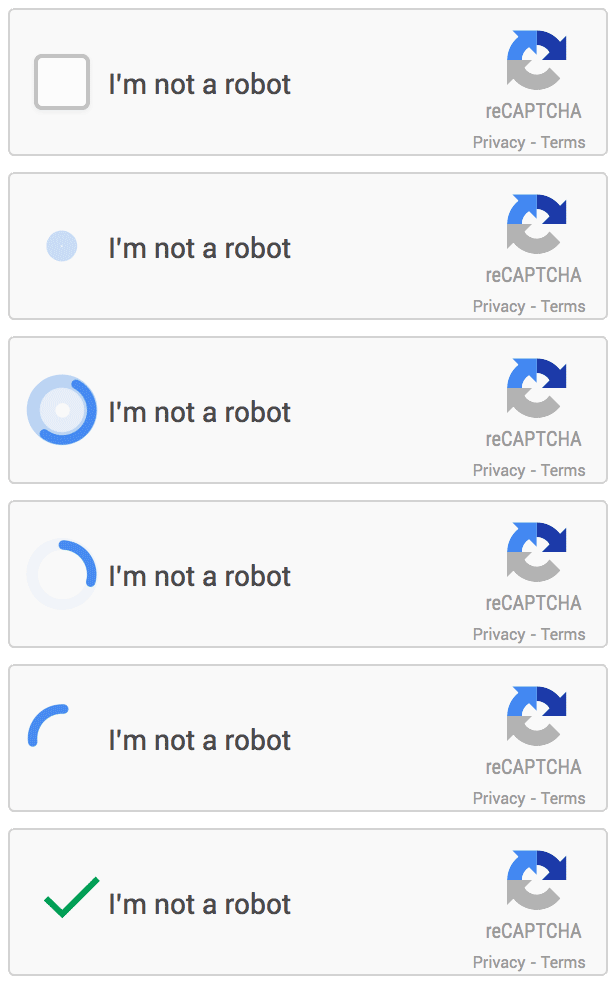
reCAPTCHA v2 — commonly known as the “I’m not a robot” checkbox — is one of Google’s most widely used CAPTCHA types. It may appear as a simple interactive checkbox or trigger an image/audio challenge grid. Some sites also implement it without a visible widget see reCAPTCHA Invisible Solving Guide, relying instead on callback functions to handle verification.
You can identify reCAPTCHA v2 by:
- A visible checkbox with the label “I’m not a robot”.
- The presence of
data-sitekeyin a<div class="g-recaptcha">. - A script URL containing
www.google.com/recaptcha/api2/anchorwith ak=parameter. - Or, in callback-based implementations, a
data-callback="functionName"attribute or acallbackproperty in agrecaptcha.render()call.
Demo: Try the official Google’s reCAPTCHA v2 demo.
Locate the Site Key and Page URL
- Extract the
data-sitekeyvalue from the HTML element, or - Parse the
kparameter from a reCAPTCHA-related script URL (e.g., in network requests). - Record the full page URL where the CAPTCHA appears.
- Extract the
Submit the task:
- For API V1: Send a request to
in.phpwith:method=userrecaptchagooglekey= your extracted site keypageurl= full page URL
→ See API V1 – reCAPTCHA v2
- API V2 COMING SOON
- For API V1: Send a request to
Receive a task ID and wait 15–20 seconds.
Poll for the result:
- API V1: Use
res.phpwith your task ID
→ See API V1 – Get Result - API V2 COMING SOON
- API V1: Use
Apply the token based on the site’s implementation:
- Standard (form-based) implementation (most common):
Inject the token into the hidden reCAPTCHA response field:Then submit the form (if not auto-submitted).document.getElementById("g-recaptcha-response").innerHTML = "TOKEN_FROM_CAPTCHA_AI";
- Standard (form-based) implementation (most common):
- Callback-based implementation:
Identify the callback function name by checking:data-callback="myFunction"in the reCAPTCHA<div>, or- The
callbackproperty ingrecaptcha.render(), or - The global config:
___grecaptcha_cfg.clients[0].aa.l.callback(path may vary)
Then invoke it directly with the token:
// Replace `myFunction` with the actual callback name
myFunction("TOKEN_FROM_CAPTCHA_AI");
This function can help you identify the callback function name, just copy-paste it in the developers console on the target web page:
 function findRecaptchaClients() {
 if (typeof (___grecaptcha_cfg) !== 'undefined') {
   return Object.entries(___grecaptcha_cfg.clients).map(([cid, client]) => {
     const data = { id: cid, version: cid >= 10000 ? 'V3' : 'V2' };
     const objects = Object.entries(client).filter(([_, value]) => value && typeof value === 'object');
     objects.forEach(([toplevelKey, toplevel]) => {
       const found = Object.entries(toplevel).find(([_, value]) => (
         value && typeof value === 'object' && 'sitekey' in value && 'size' in value
       ));

       if (typeof toplevel === 'object' && toplevel instanceof HTMLElement && toplevel['tagName'] === 'DIV'){
         data.pageurl = toplevel.baseURI;
       }

       if (found) {
         const [sublevelKey, sublevel] = found;
         data.sitekey = sublevel.sitekey;
         const callbackKey = data.version === 'V2' ? 'callback' : 'promise-callback';
         const callback = sublevel[callbackKey];
         if (!callback) {
           data.callback = null;
           data.function = null;
         } else {
           data.function = callback;
           const keys = [cid, toplevelKey, sublevelKey, callbackKey].map((key) => `['${key}']`).join('');
           data.callback = `___grecaptcha_cfg.clients${keys}`;
         }
       }
     });
     console.log(data)
     return data;
   });
 }
 console.log("Can't find any reCAPTCHA client!")
 return [];
}- The
g-recaptcha-responsefield is often hidden or inserted dynamically—use DevTools to locate it. - Parameter names and payload formats differ between API V1 and V2—always refer to the correct specification.
Note: Never reuse reCAPTCHA tokens. Each token is single-use and tied to a specific session and action. -->