Lemin beta
Lemin captcha is a registration-style captcha flow where CaptchaAI receives a captcha_id and page URL, then returns a solution token that can be submitted to the target site.
Overview
Lemin commonly appears as:
- Network-backed captcha with a captcha id exposed in page requests or scripts
- Form submission flow where the solved token is posted back to the site
- Optional container id for cases where the captcha lives in a known div
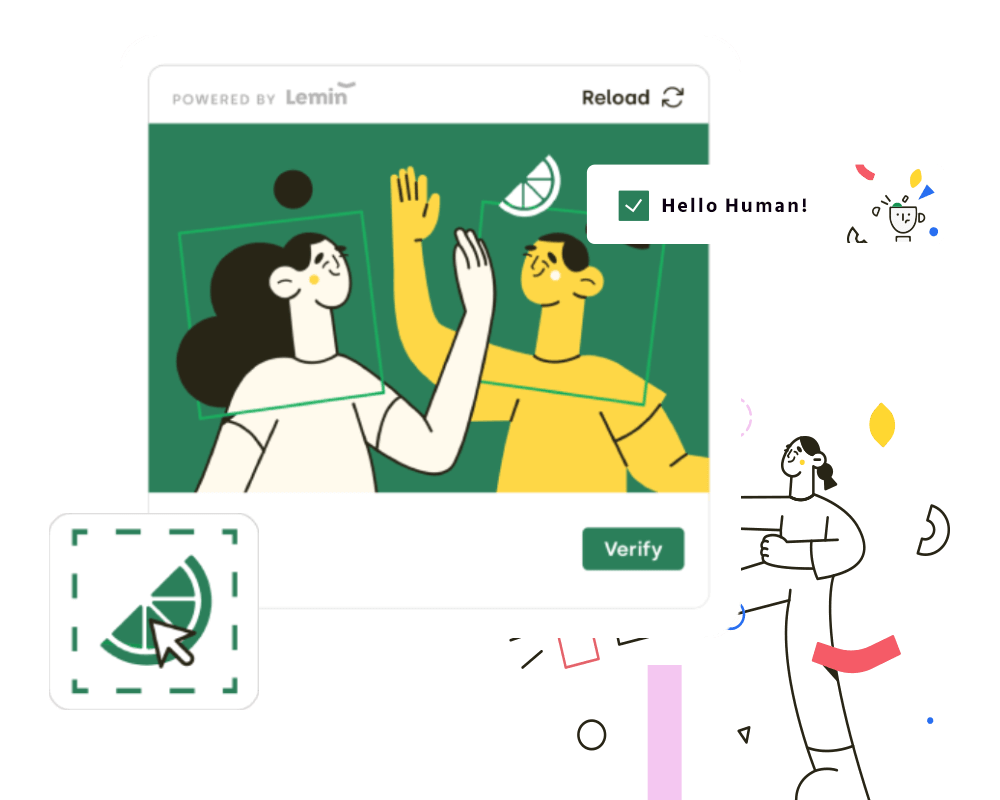
Example: Lemin captcha integration flow
How to Solve Lemin
Step 1: Extract the Captcha ID
Find the captcha identifier from the page source, inline scripts, or network requests. The provided integration script looks for values such as:
captcha_iddiv_idchallenge_id
If the page exposes a captcha container, use the div_id as well.
Step 2: Submit the Task to CaptchaAI
Send a GET request to https://ocr.captchaai.com/in.php with the page URL and captcha id:
import requests

params = {
    'key': 'YOUR_API_KEY',
    'method': 'lemin',
    'pageurl': 'https://example.com/register',
    'captcha_id': '12345678-1234-1234-1234-123456789abc',
    'div_id': 'lemin-cropped-captcha',
    'json': '1'
}

response = requests.get('https://ocr.captchaai.com/in.php', params=params)
result = response.json()
task_id = result['request']
print('Task ID: ' + str(task_id))
Step 3: Retrieve the Solution
Wait for the task to complete, then poll https://ocr.captchaai.com/res.php for the solution string:
import time
import requests

time.sleep(15)

params = {
    'key': 'YOUR_API_KEY',
    'action': 'get',
    'id': task_id,
    'json': '1'
}

response = requests.get('https://ocr.captchaai.com/res.php', params=params)
result = response.json()

if result['status'] == 1:
    token = result['request']
    print('Token: ' + token)
Step 4: Submit the Solution
Submit the returned token to the target site using the field names expected by that site. A typical registration flow uses JSON or form-encoded fields like answer, challenge, username, and password.
Response Format
JSON Response (with json=1):
{
  "status": 1,
  "request": "lemin-solution-token"
}
The response contains one important value:
request- The Lemin solution token to submit to the target site
Common Errors
-
ERROR_WRONG_USER_KEY: API key is invalid or incorrectly formatted.
-
ERROR_KEY_DOES_NOT_EXIST: API key does not exist.
-
ERROR_ZERO_BALANCE: Account balance is too low to process the task.
-
CAPCHA_NOT_READY: The solution is not ready yet. Wait and poll again.
For complete error documentation, see the Error Handling Guide.
Tips & Best Practices
Tip: Use a fresh
captcha_idfrom the current page session.
Tip: Include
div_idwhen the target page uses a stable captcha container id.
Tip: Match the exact page URL, especially when the captcha is tied to a registration flow.
API Reference
For complete API specifications and advanced options, visit the CaptchaAI API Documentation and select Lemin from the sidebar.