Cloudflare Challenge
The Cloudflare Challenge is the security interstitial page shown on websites protected by Cloudflare. It blocks access until successfully solved — typically via a JavaScript challenge, a Turnstile widget, or a browser fingerprinting check.
CaptchaAI returns a valid cf_clearance cookie. Inject it into your session alongside the solver's User-Agent to gain full access to the protected page.
Overview
Cloudflare Challenge protection:
- Appears as a full-page interstitial ("Checking your browser…")
- Blocks access to the target resource until passed
- Issues a
cf_clearancecookie on success - Requires IP consistency — a proxy matching your request IP is mandatory
- Returns a User-Agent that must be used with the cookie
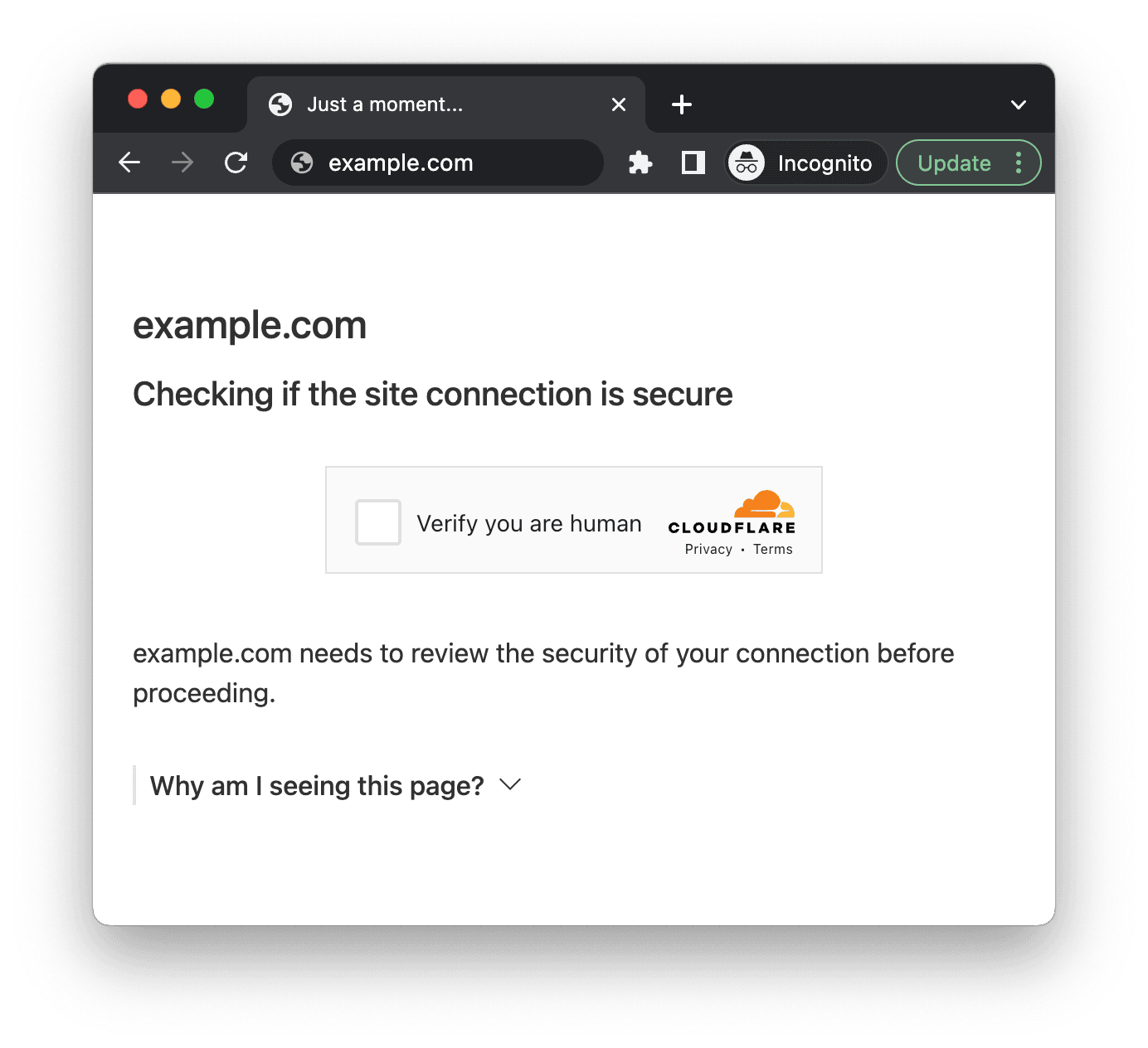
Example: Cloudflare Challenge interstitial page
Cloudflare Challenge requires IP consistency between the solver and your requests to the protected site. You must provide a proxy, and then use the same proxy when accessing the site with the returned cf_clearance cookie.
How to Solve Cloudflare Challenge
Step 1: Submit the Task to CaptchaAI
Send a POST request to https://ocr.captchaai.com/in.php with method=cloudflare_challenge and your proxy:
import requests

response = requests.post("https://ocr.captchaai.com/in.php", data={
    'key': 'YOUR_API_KEY',
    'method': 'cloudflare_challenge',
    'pageurl': 'https://example.com/protected-page',
    'proxy': 'user:password@111.111.111.111:8080',
    'proxytype': 'HTTP',
    'json': 1
})

task_id = response.json()['request']
print(f"Task ID: {task_id}")
Step 2: Retrieve the Solution
Wait 15–20 seconds, then poll for the result using json=1 to receive the cf_clearance value and solver User-Agent:
import time

time.sleep(20)

while True:
    result = requests.get("https://ocr.captchaai.com/res.php", params={
        'key': 'YOUR_API_KEY',
        'action': 'get',
        'id': task_id,
        'json': 1
    }).json()

    if result['status'] == 1:
        cf_clearance = result['result']
        user_agent = result['user_agent']
        print(f"cf_clearance: {cf_clearance}")
        print(f"User-Agent: {user_agent}")
        break

    time.sleep(5)
Step 3: Use the Cookie to Access the Protected Page
Inject the cf_clearance cookie and use the exact same User-Agent and proxy as the solver:
import requests

session = requests.Session()

# Must use the same proxy
proxies = {'http': 'http://user:password@111.111.111.111:8080',
           'https': 'http://user:password@111.111.111.111:8080'}

session.headers.update({'User-Agent': user_agent})
session.cookies.set('cf_clearance', cf_clearance, domain='example.com')

response = session.get("https://example.com/protected-page", proxies=proxies)
print(response.status_code)
Important Notes
The cf_clearance cookie is bound to the User-Agent used during solving. Requests made to the protected site with a different User-Agent will be blocked. Always use result['user_agent'] in your subsequent requests.
The cf_clearance cookie is also bound to the IP address of the solver. Use the same proxy for your subsequent requests to the protected site.
Difference: Cloudflare Challenge vs. Turnstile
| Feature | Cloudflare Challenge | Cloudflare Turnstile |
|---|---|---|
| Where it appears | Full-page interstitial | Embedded widget on a form |
| Proxy required | Yes (mandatory) | Optional |
| Returns | cf_clearance cookie | Turnstile token |
| Use case | Bypass DDoS-protection gate | Submit protected form |
See Cloudflare Turnstile for solving the Turnstile widget.